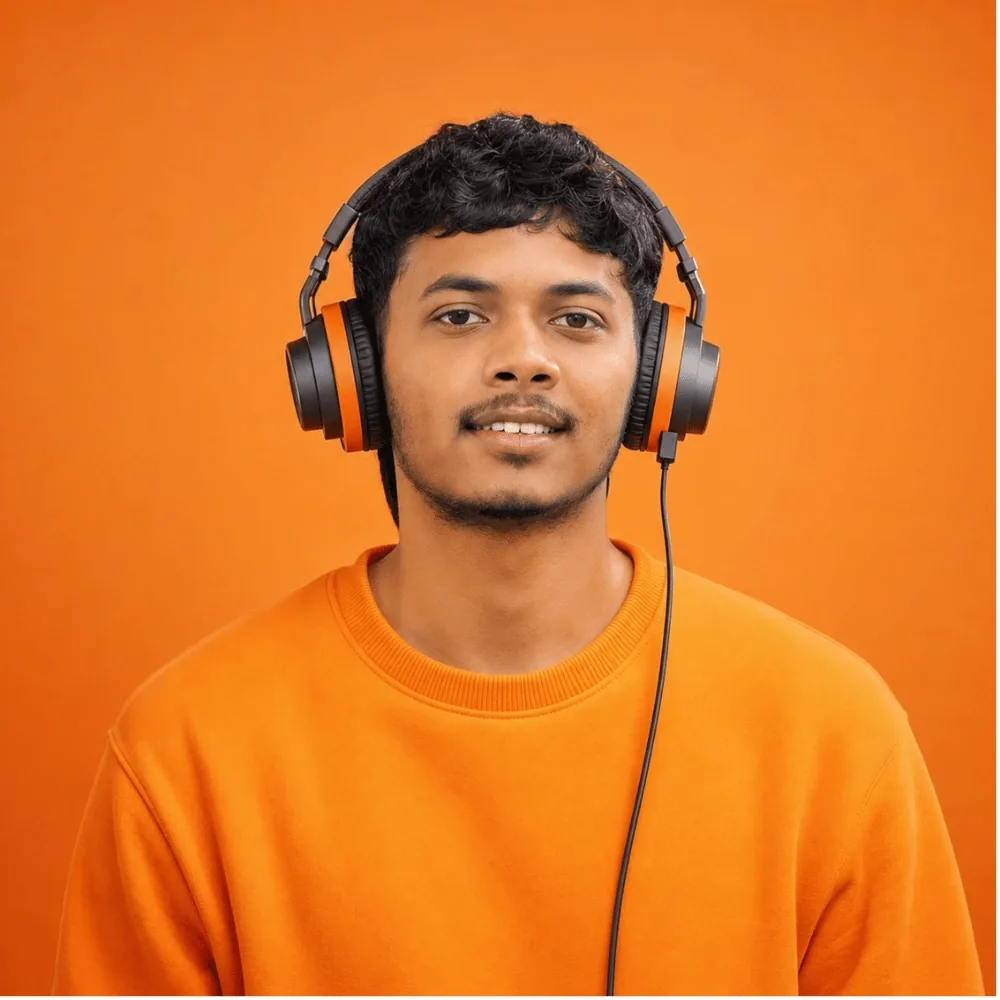
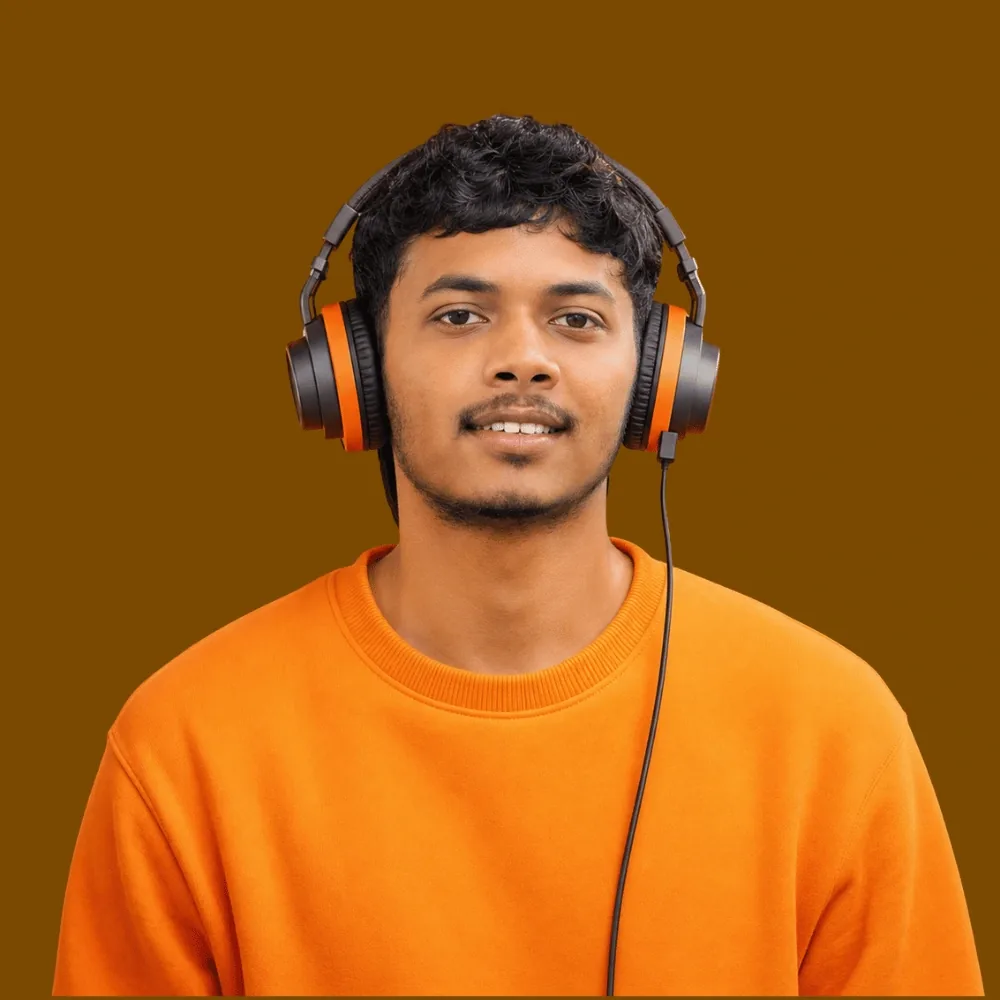
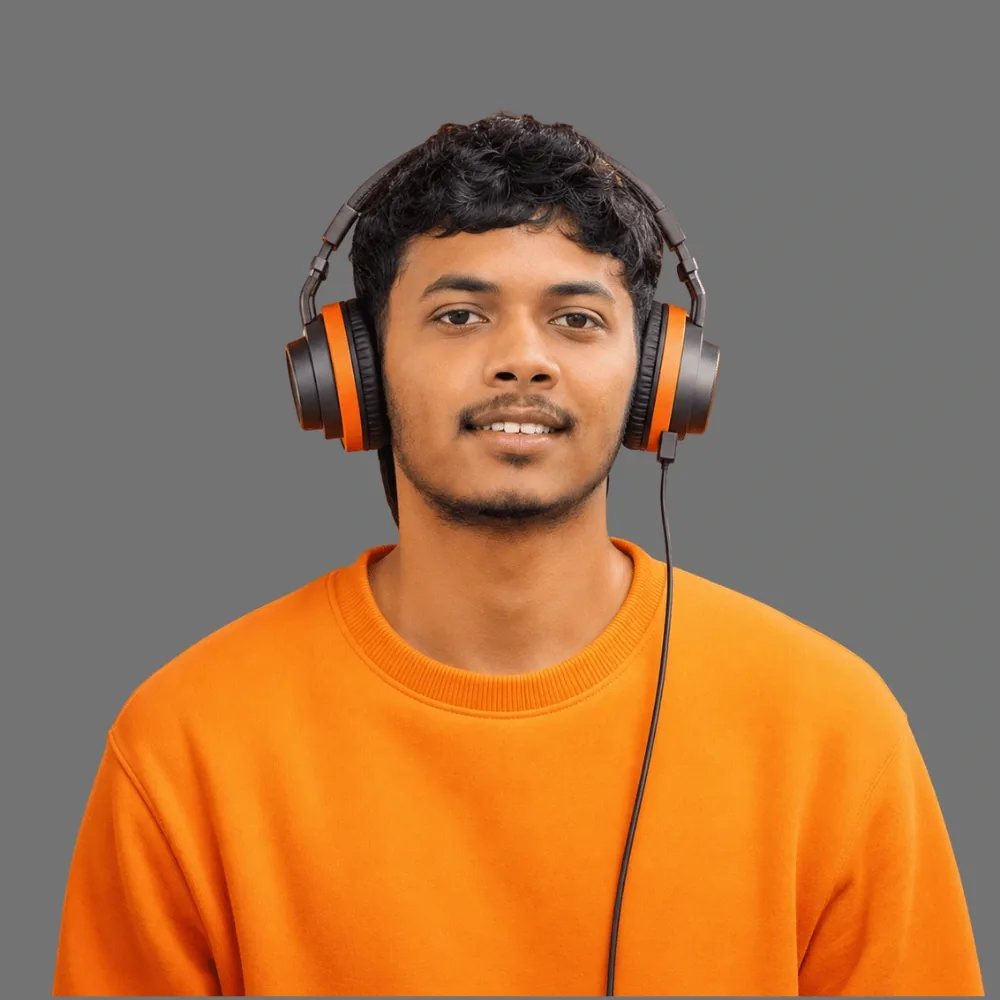
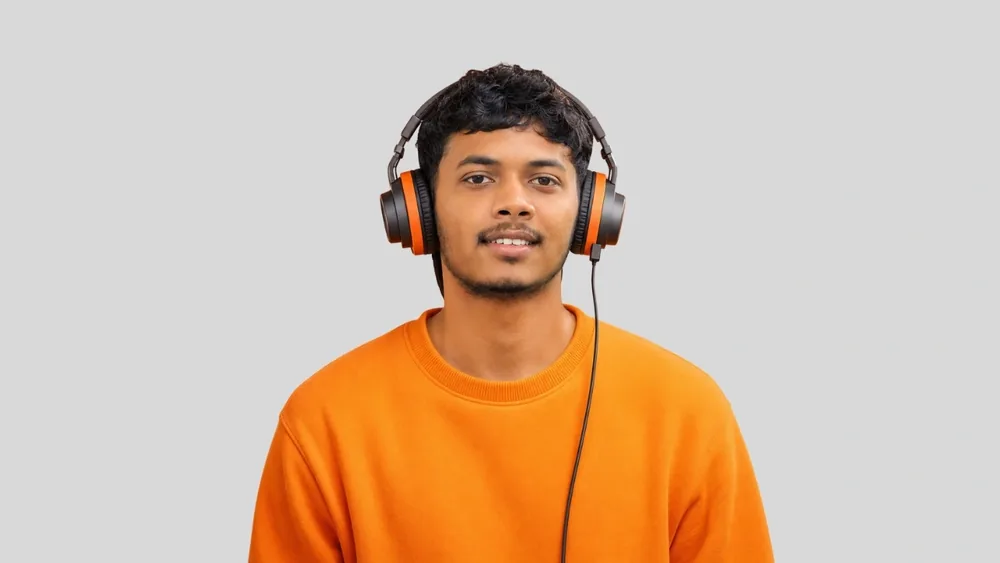
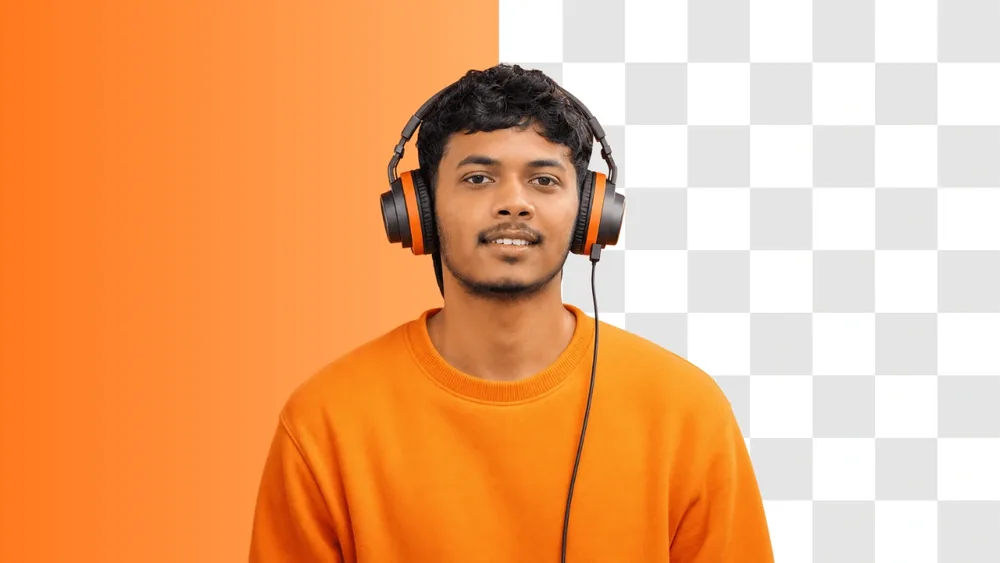
Analyzing the portrait and separating the subject.
Analyzing your photo...0%
Studio
🎨 Customize Colors
Background
Ring Color
Shape
Template Library
Select a style below. Changes apply instantly.
+See More Templates
How ProfileAI works
Four steps only
AI editing runs locally on your device; Telegram photo sharing requires consent
1. Upload your photo
Upload any photo from your device. We support browser-compatible JPG, PNG and WebP photos. AI editing runs locally on your device; Telegram photo sharing requires consent.
↓
2. Remove background with AI
Our AI instantly removes the background from your photo with impressive accuracy. For the best results, use a photo with good lighting and a clear backdrop.
↓
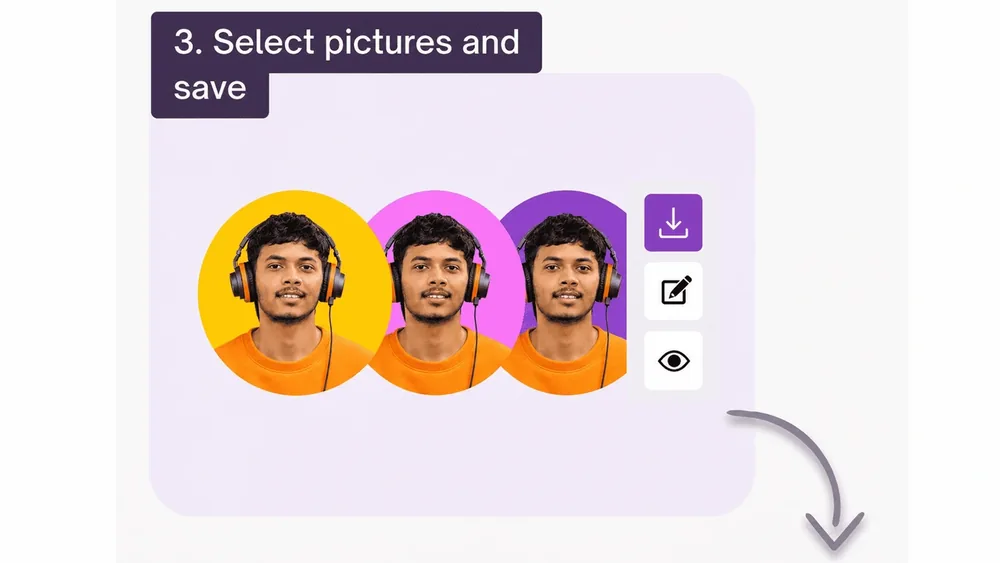
3. Select pictures and save
Browse through 40+ unique templates, pick your favorites, and download them in HD quality instantly — no account required.
↓
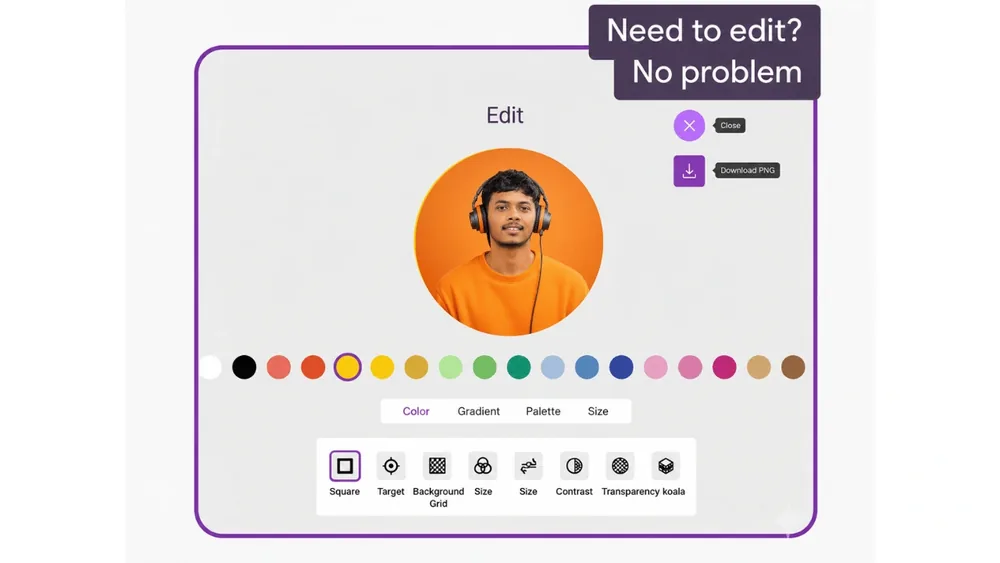
Need to edit? No problem
Fine-tune any template in the Studio — change colors, ring, shape, and download your perfect profile picture in seconds.
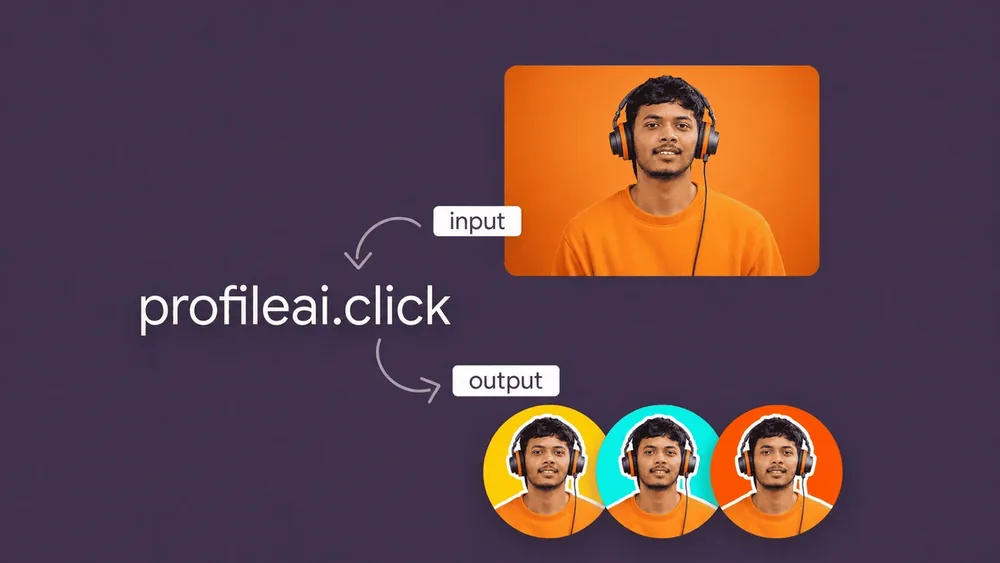
ProfileAI helps you create eye-catching profile pictures in just a few clicks.
Using AI image background removal, our variations of backgrounds, outlines, and filters, your profile will look fantastic.
Create an eye-catching profile picture
or try this
Create and share your PFP template
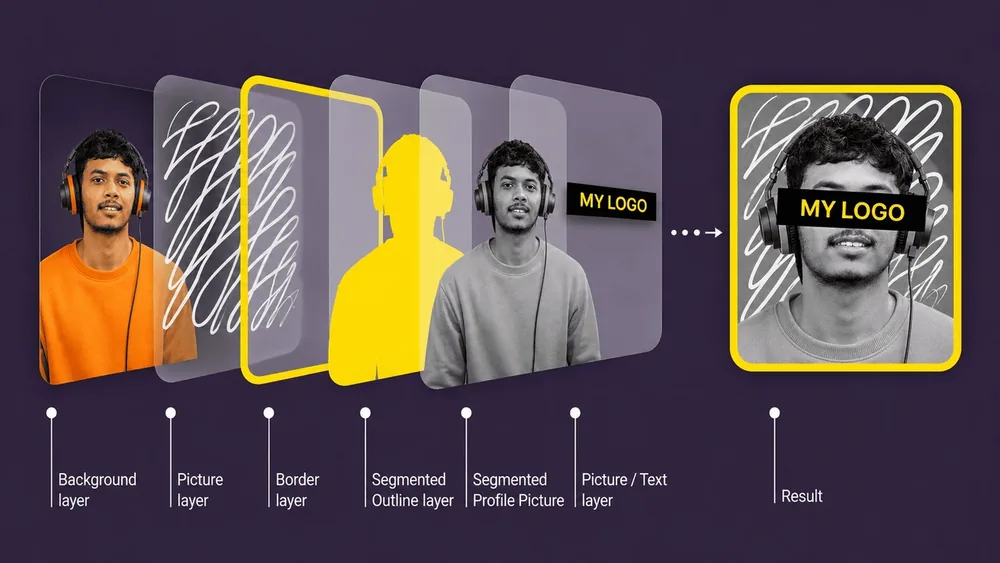
Adjust layers as an artist
HELP & SUPPORT
Frequently Asked Questions
Everything you need to know before creating your next profile photo.
Is this tool free?
Yes. The core ProfileAI editor is free to use and does not require an account.
Are my photos safe?
Your photo is used to remove the background and create the selected profile image. Background editing runs on your device. Photo processing in the profile maker stays on your device. Read the Privacy Notice for more information.
What photo formats are supported?
ProfileAI supports JPG, JPEG, PNG and WebP photos that your browser can open.
Is it possible to remove the background with more precision?
The background is removed using AI. We recommend using a good-quality photo with good lighting and a contrasting backdrop to receive the best results.
Why can't the app remove my background properly?
The AI is trained to recognize a person and their profile. If the photo does not contain a person, you will get an empty image. Make sure your photo has a person like on the example.
Where can I use photos created in ProfileAI?
The profile photos made with ProfileAI can be an excellent fit as a profile photo for your social media, messenger, or CV.