
AI background removal
Separate the subject from its background on your device.
Try background removalFrom an instant profile picture to a carefully refined portrait. Discover the original editor and the advanced Photo Studio.
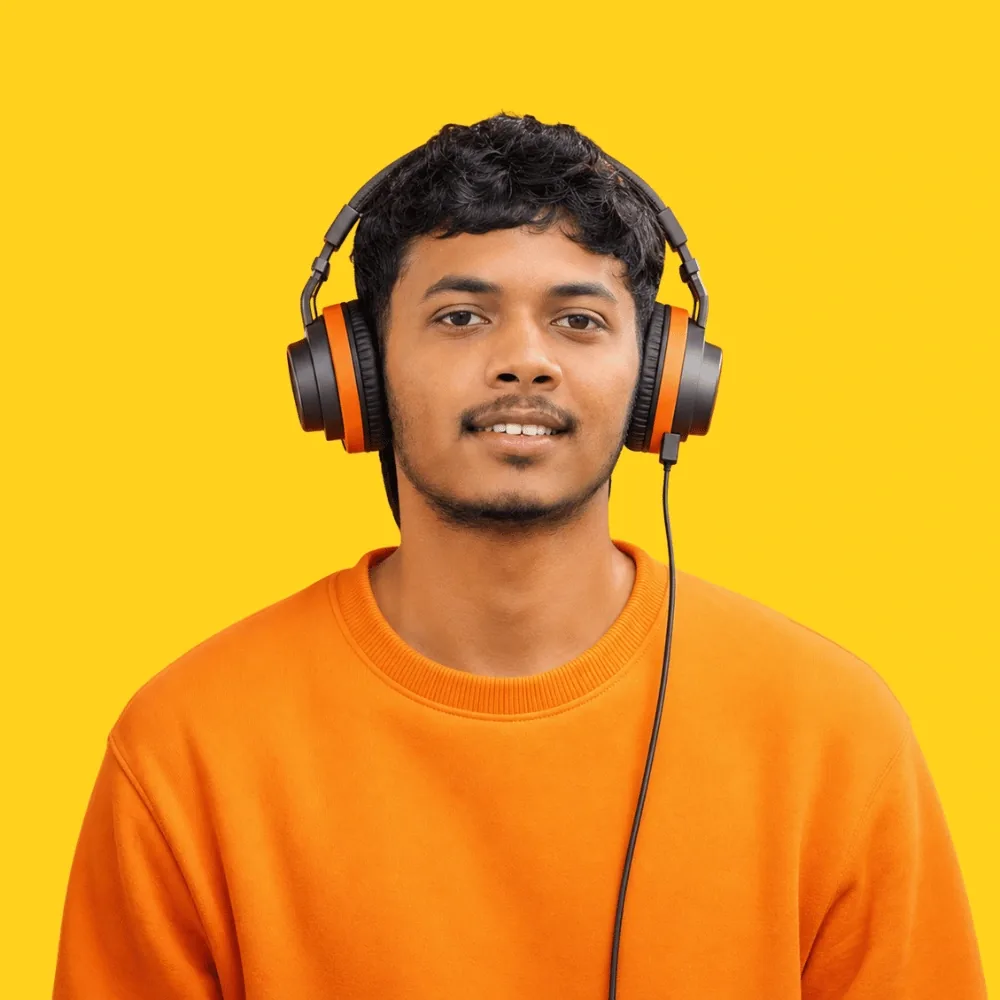
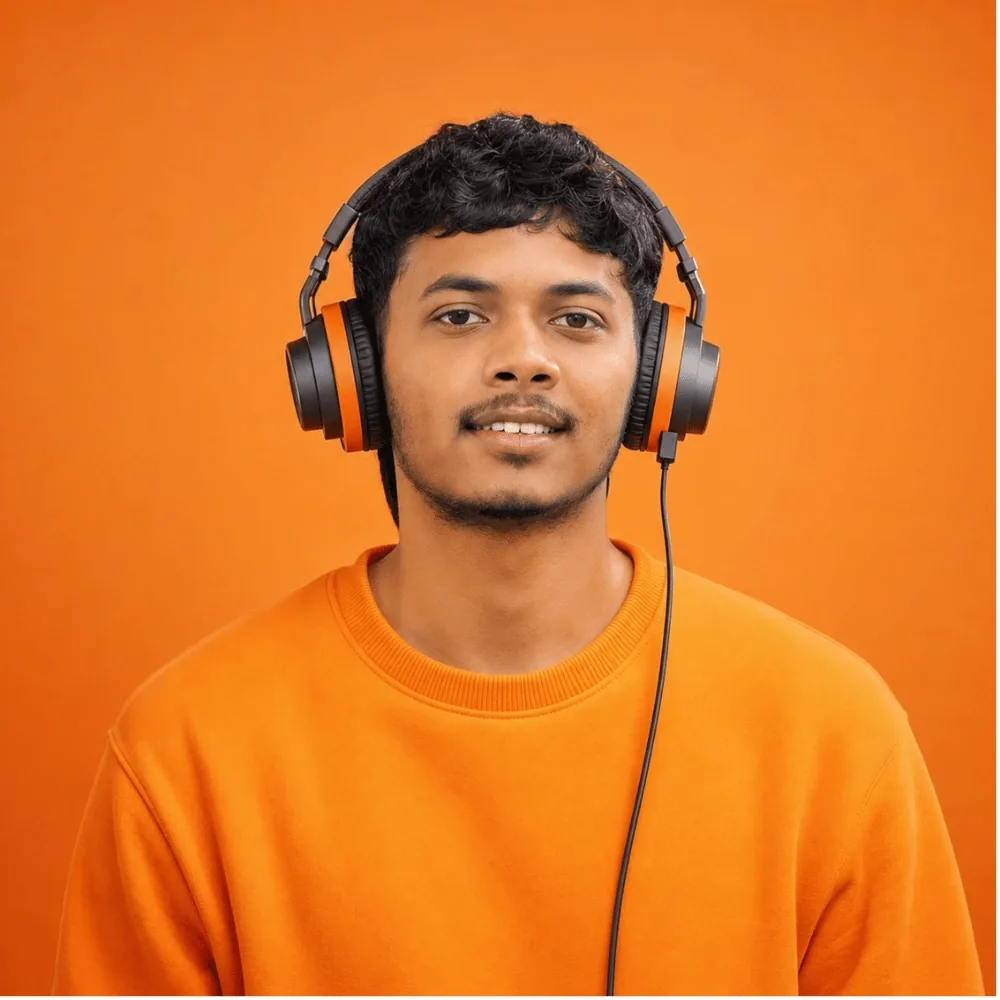
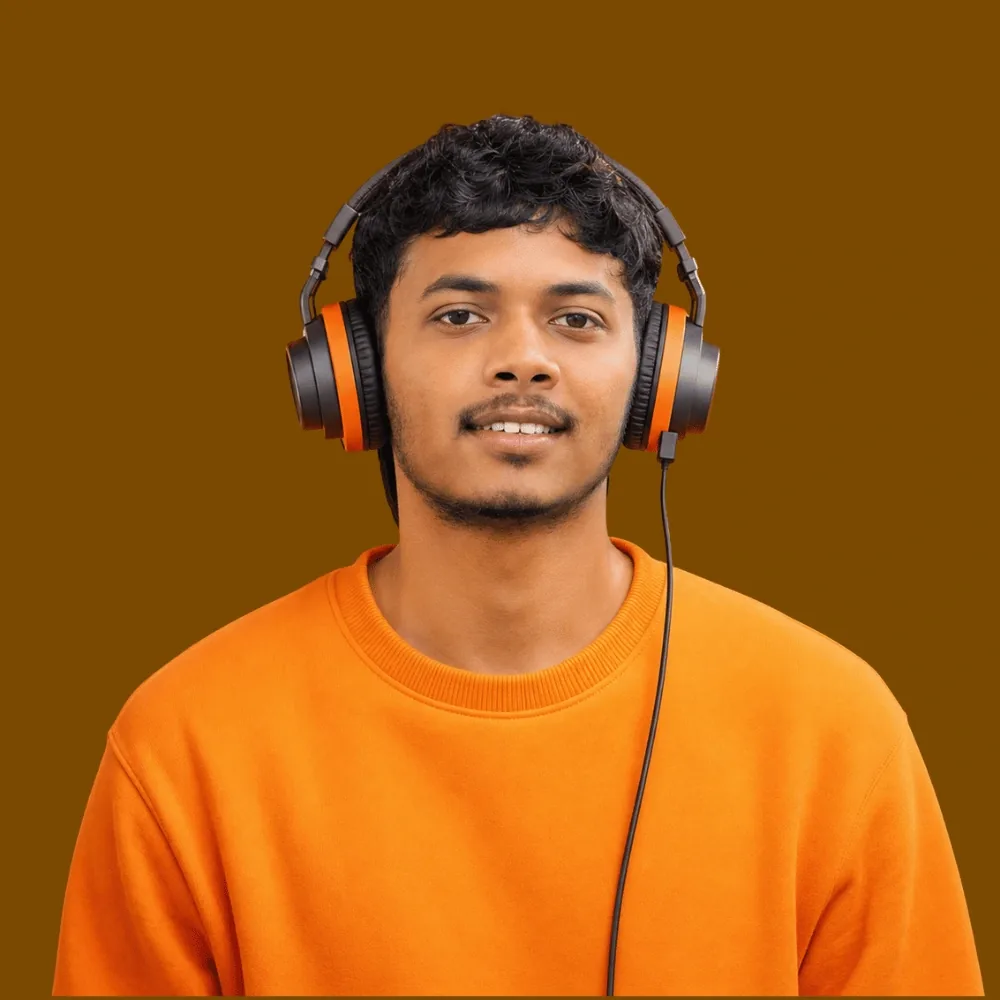
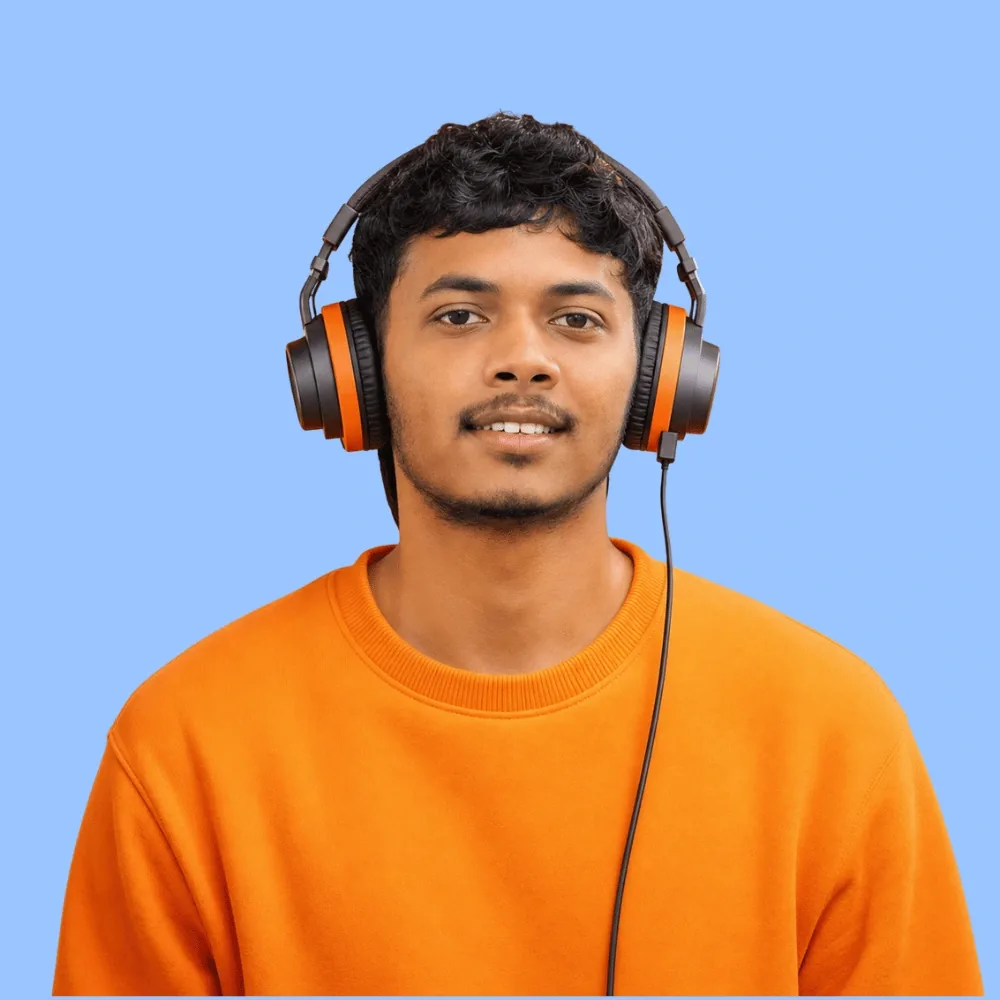
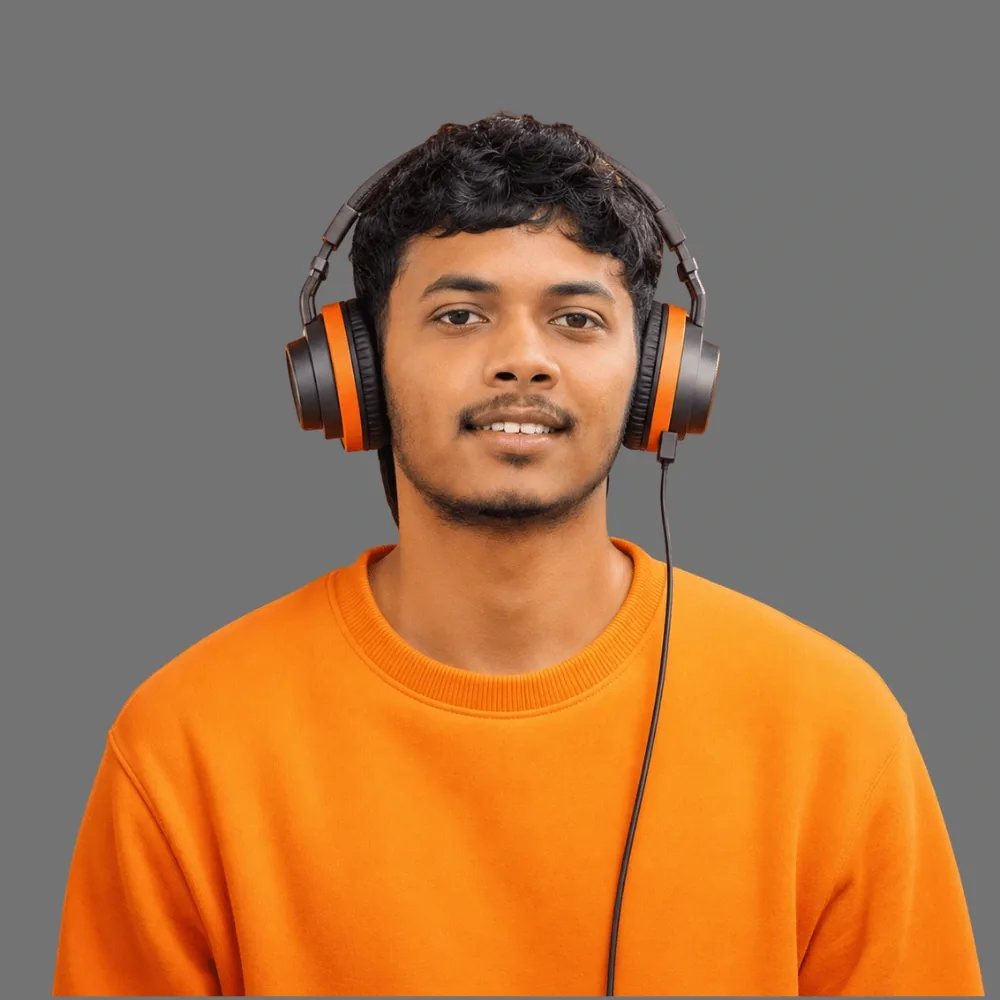
Create a standout photo with the original editor.
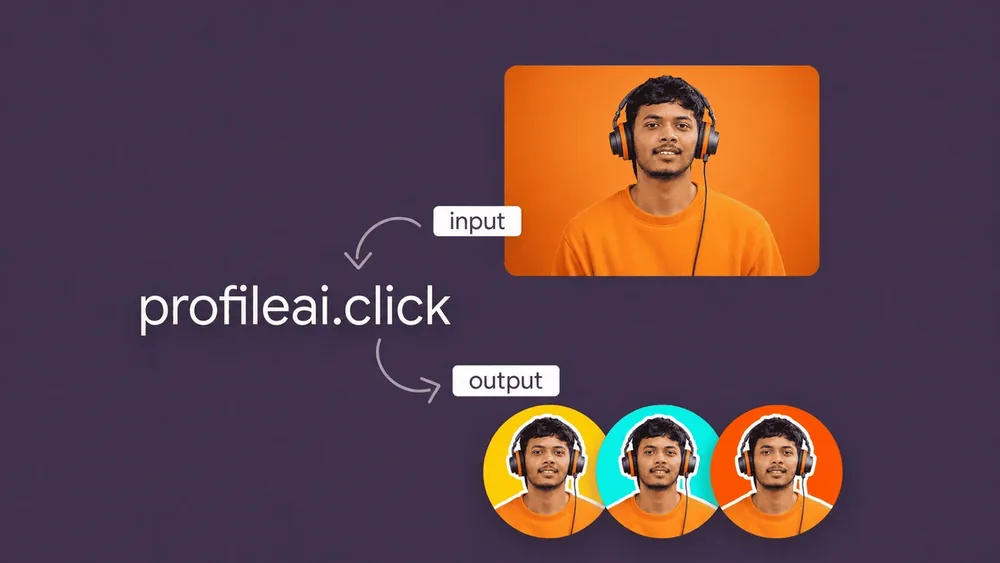 ProfileAI preview
Separate the subject from its background on your device.
Try background removalExplore ready-made styles, colors and creative looks.
Explore templatesCustomize colors, ring, shape, outline and depth.
Open editorAdjust subject position, scale, rotation and zoom.
Create a photoCompare the original and edited result.
Try editorChoose PNG, JPG or transparent PNG and social presets.
Create & exportA dedicated workspace for more control over your image.
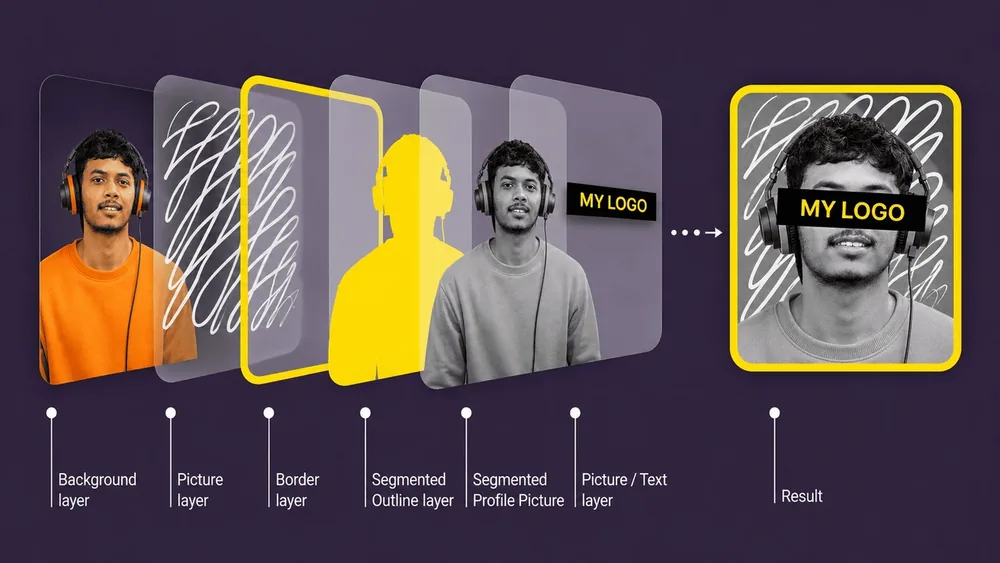 ProfileAI preview
Face-guided cropping and adjustable aspect ratios.
Open StudioFine-tune exposure, color balance, light and shadows.
Open StudioChoose solid colors, gradients, blur or your own image.
Open StudioRestore or erase mask areas and use local object-removal tools.
Open StudioUse local photo adjustments and edge-aware noise reduction.
Open StudioRecover edits and optionally save a draft on your device.
Open StudioInspect edits, zoom, pan and compare your result.
Open StudioExport custom sizes and formats; process a batch locally as a ZIP.
Open StudioChoose the appropriate processing approach for your device.
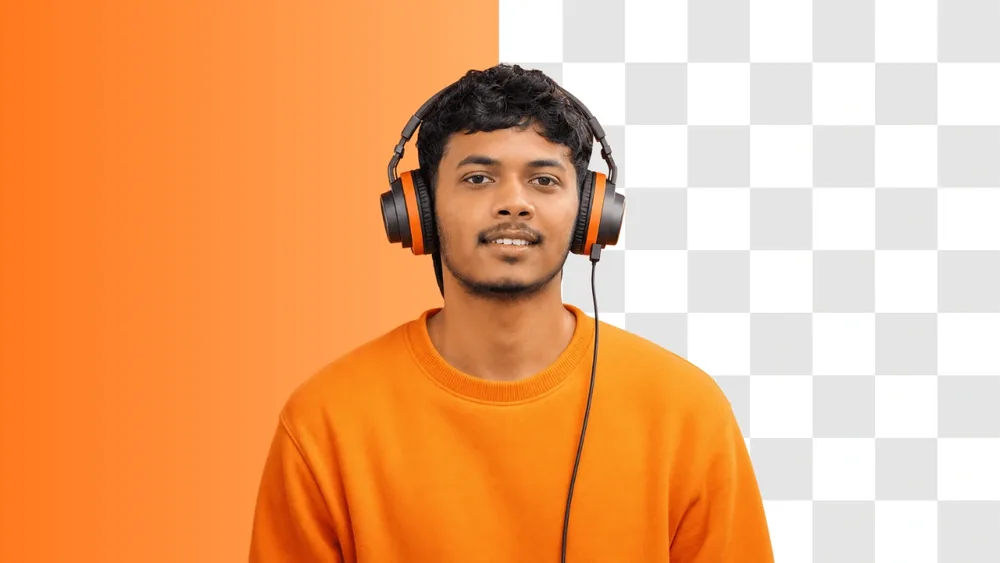 ProfileAI preview
Select the background-processing quality mode.
Choose a modeExplicit consent sends the current photo to Cloudflare for segmentation. Usage limits apply.
Explore Cloud HDExperimental optional models; compatible hardware and model availability required. Restoration can change details.
Explore experimental toolsStandard editing is local. Telegram sharing and Cloud HD have separate consent controls.
Read Privacy NoticeNo matching results. Try another search.
Try the free profile maker or take creative control with the advanced Photo Studio.